The problem it solves
A long video often holds a few minutes of what you actually came for. Reading is faster than watching, and you can't search, quote, or copy a video.
Most YouTube videos already have the words sitting there as captions, either typed by the uploader or generated automatically by YouTube. This fetches those captions and hands them to you as a file.
Handy when you want to skim a long talk, pull a quote for an article, search for the moment something was said, or paste the whole thing into an AI and ask for a summary.
How it works
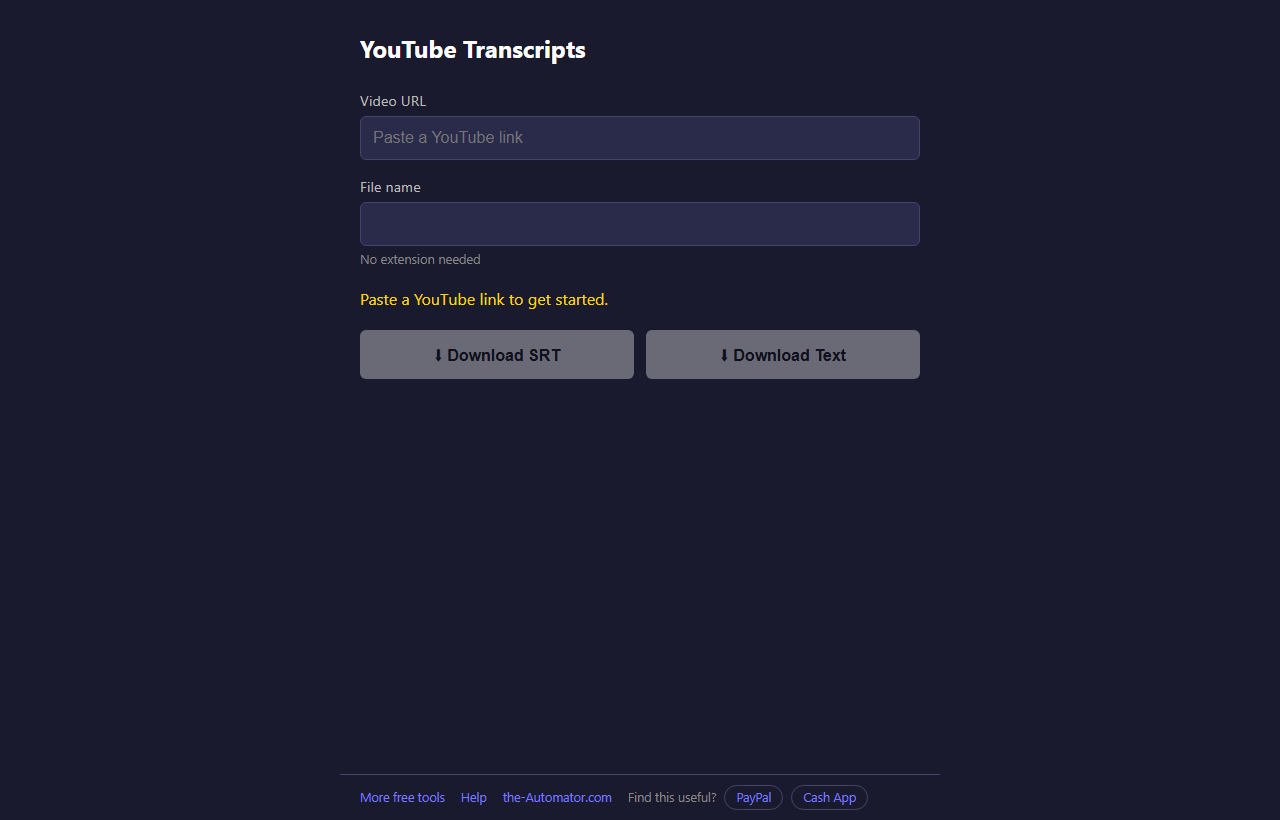
- Copy the link of a YouTube video. Any form works: a normal link, a youtu.be short link, or a Shorts link.
- Paste it into the Video URL box. The transcript is fetched straight away and the file name fills in from the video title.
- Change the file name if you want. No extension needed.
- Tap Download SRT or Download Text. The file is created on your own device and lands in your normal downloads folder.
SRT or Text?
SRT keeps a timestamp on every line. Video editors and players understand it, so use it for subtitles or to find the exact moment something was said.
Text has no timestamps, just the words, with one sentence per line where the captions have punctuation. It's the one you want for reading, quoting, or pasting into an AI.
For example, if you want a summary of a long interview, grab the Text version, paste it into your AI chat of choice, and ask for the five main points. If you're editing the video, grab the SRT.
When there's no transcript
This only works if the video has captions. Most do, even if they're auto-generated. Some uploaders turn captions off, and brand new videos may not have automatic ones yet.
If it says no transcripts were found, open the video on YouTube, click the CC button in the player to turn captions on, wait a moment, then try again here. Some videos simply have no captions at all.
Private videos won't work either. Public and unlisted ones do.
Why I ask for your email
The link you paste is used to ask YouTube for the captions, and the transcript is sent straight back to your browser. Nothing about the videos you look up is stored, and the file itself is built on your own device. Your name and email are the only things this site keeps.
I might send you a note now and then about other free tools I build. I will never sell or give your email to anyone else.
Questions people ask
Is it free?
Yes. No account beyond the one-time sign-up, and nothing to install.
Why is there no punctuation?
Auto-generated captions often have none, so the text version comes out as one long paragraph. Pasting it into an AI and asking it to add punctuation works well.
Which language do I get?
English when the video has it, preferring captions the uploader typed over auto-generated ones. Otherwise, the first language the video offers.
Does it work on my phone?
Yes. It's a web page, so it works in the browser on a phone or a computer.
Can it download the video or the audio?
No. It only gets the words.